Custom Product Pages: The Hidden ASO Feature Most Apps Ignore
Apple custom product pages ASO guide: how CPPs now appear in organic search and how to exploit them to drive more downloads and revenue.

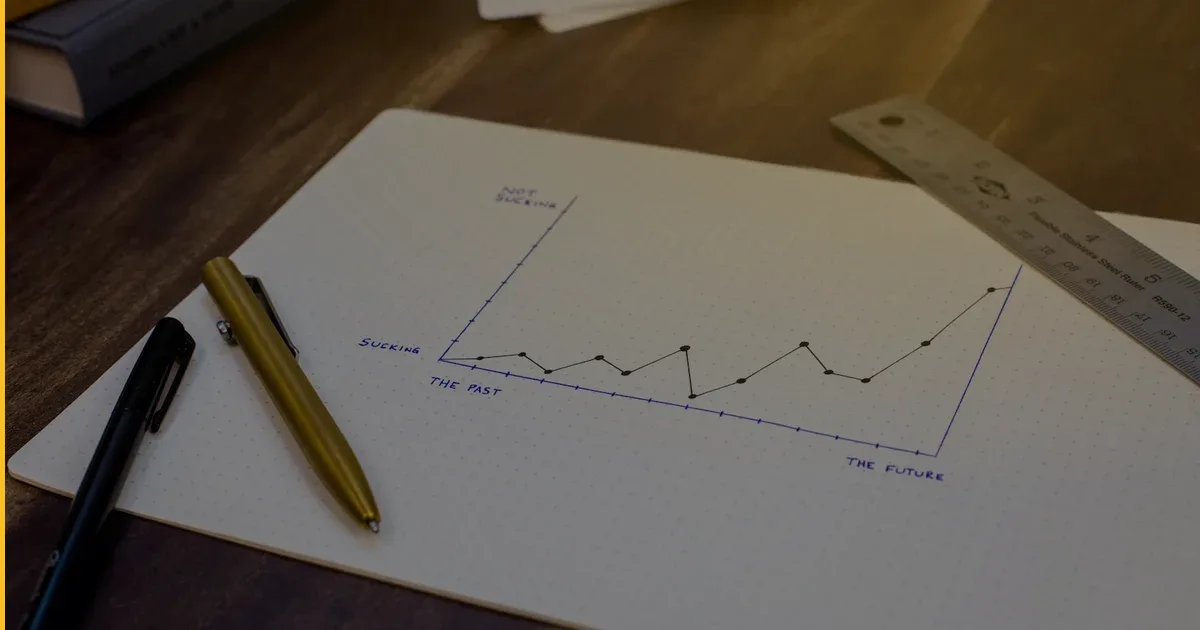
If you have an iOS app live on the App Store, you may be leaving a meaningful share of downloads on the table — and not even know it. Apple custom product pages ASO is one of those features that Apple quietly expanded, developers mostly ignored, and founders never heard about. That changed after July 2025, when Apple began surfacing custom product pages (CPPs) directly in organic App Store search results. What was once a paid-only acquisition tool became a genuine organic growth lever overnight.
This post explains what CPPs are, what changed, and — most importantly — how to use them as a business owner to convert more of the people already searching for apps like yours.
What Are Custom Product Pages?
Apple lets you create up to 35 alternate versions of your App Store product page. Each version can show a different set of screenshots, a different preview video, and different promotional text — while sharing the same app binary, reviews, and ratings as your main listing.
Before the July 2025 update, CPPs were primarily used for paid Apple Search Ads campaigns. You would send ad traffic to a tailored page optimised for that campaign’s audience. They worked well, but they required ongoing ad spend to matter.
After July 2025, Apple expanded where CPPs can appear. A CPP can now rank independently in organic App Store search results. That means a page you build for, say, your “fitness tracking” audience can appear when someone searches “fitness tracker” — separately from your main listing. You are effectively running multiple storefront entries under one app.
Why Most Apps Are Not Using This
The feature was introduced in 2021. Adoption has been slow for two reasons:
- It was associated with paid ads. Most founders who were not running Apple Search Ads campaigns never saw a reason to set up CPPs.
- It requires creative work. Each page needs its own screenshots and messaging. For a small team or a solo founder, that felt like optional polish, not essential infrastructure.
Both reasons no longer hold. Since organic placement became a reality, a CPP is a low-cost, evergreen asset — not an ad-creative expense. Build it once and let it compound.
How Organic CPP Ranking Works
Apple has not published a detailed algorithm, but the pattern that has emerged since mid-2025 is consistent: CPPs that are connected to Apple Search Ads campaigns gain organic visibility over time, especially when the campaign’s keyword relevance and conversion rate are strong.
In practical terms, this means:
- You create a CPP targeting a specific keyword cluster (for example, “meal planning app”).
- You run a small, focused Apple Search Ads campaign pointing to that CPP.
- Apple observes the conversion rate — how often searchers who land on that CPP download your app.
- A high conversion rate signals relevance. Apple begins showing the CPP in organic results for that keyword.
The ad spend seeds the algorithm. Once organic placement kicks in, you can reduce or pause the campaign and keep the organic position. Think of it as buying your way into consideration, then earning organic placement through performance.
The Business Case: Why This Matters More Than It Sounds
Consider a standard App Store listing. It shows one set of screenshots designed to appeal to a broad audience. If your app has three distinct use cases — say, a productivity app used by students, freelancers, and small business owners — one generic screenshot set does a mediocre job for all three groups.
With CPPs, you show each audience exactly what they care about:
| Audience | CPP Message | Highlighted Feature |
|---|---|---|
| Students | ”Ace your semester without the chaos” | Calendar + deadline tracker |
| Freelancers | ”Track projects, invoice clients, stay on top” | Client management + billing |
| Small business owners | ”Run your team from your phone” | Team tasks + reporting |
Each page converts better because it is specific. A better conversion rate feeds better organic placement. Better organic placement drives more downloads at zero marginal cost per install.
This is the compounding loop that makes CPPs one of the highest-ROI activities in App Store growth — and it requires no new features in the app itself.
Step-by-Step: Setting Up Your First CPP
You do not need a developer to create a custom product page. It is done entirely inside App Store Connect.
- Identify your top keyword clusters. Use App Store Connect analytics or a third-party ASO tool to find the 3–5 searches that drive the most impressions for your app.
- Design alternate screenshot sets. For each cluster, create 3–5 screenshots that speak directly to that audience’s outcome. Keep the message tight — one benefit per screen, plain language.
- Write a short promotional text. This 170-character field appears above the description. Use it to match the searcher’s intent, not recycle your default tagline.
- Create the CPP in App Store Connect. Under “Custom Product Pages,” add a new page, upload your assets, and publish.
- Pair it with a small Apple Search Ads campaign. Set a modest daily budget ($10–25 is enough to seed the algorithm) targeting the keyword cluster this CPP was built for. Run it for 4–6 weeks.
- Monitor conversion rate in App Store Connect. The “Conversion Rate” metric for each CPP shows how well the page is working. Iterate on screenshots if conversion is below your main listing’s rate.
- Scale what works, retire what doesn’t. CPPs that achieve organic placement are worth maintaining indefinitely. Those that fail to convert after 6–8 weeks need a creative rethink before more budget goes in.
CPPs vs. Your Default Listing: A Quick Comparison
| Aspect | Default Listing | Custom Product Page |
|---|---|---|
| Audience | All users, all searches | One intent cluster or persona |
| Screenshot strategy | Broad feature overview | Single use case, top-to-bottom |
| Organic search visibility | Always | Yes, since July 2025 |
| A/B testing (Product Page Optimization) | Yes | Not available |
| Paid campaign targeting | Possible but generic | Purpose-built for specific ad groups |
| Setup cost | Already live | Design time + optional seeding budget |
One important constraint to note: Apple’s Product Page Optimization (A/B testing) tool only works on your default listing. If you want to compare CPP variants, you do it by reading the metrics across pages manually in App Analytics.
What We See in Practice
At Fera Tech we ship iOS apps end-to-end — including our own products, Launchcast (a premium space launch tracker) and Clove AI (an AI smart-kitchen assistant). Both apps serve users with very different search intents: someone searching “next SpaceX launch” wants different screenshots and copy from someone searching “launch countdown widget.” CPPs let each search land on a page tuned precisely to that intent.
For client apps in our services, CPP planning is now a standard part of launch preparation — because ignoring it after July 2025 means voluntarily ceding organic surface area to competitors who are paying attention.
Common Questions
Do I need to update my app to use custom product pages?
No. CPPs are a marketing layer inside App Store Connect. Your existing app binary is unchanged. The only work is designing screenshot assets and writing alternate promotional text.
How many CPPs should I start with?
Start with two or three, each targeting a meaningfully different audience or use case. Spreading effort across 10 pages before you have data is a common mistake. Get one CPP converting well, then expand.
Will CPPs hurt my main listing’s ranking?
There is no evidence of cannibalisation. CPPs and your main listing can rank for overlapping terms without penalising each other. Apple benefits from surfacing the most relevant result for each searcher — your additional pages are an asset, not a liability.
How much does this cost to implement?
The tool is free inside App Store Connect. The primary cost is design work — 3–5 screenshot sets per CPP. A competent designer can produce one set in a few hours. If you run Apple Search Ads to seed organic placement, a four-to-six week seeding campaign with a modest daily budget typically costs $200–600 total. Compared to what a similar lift in organic downloads would cost through ongoing paid acquisition, it is one of the most capital-efficient ASO moves available today.
Your Next Step
Custom product pages have been hiding in plain sight since 2021. The July 2025 organic search update made them genuinely powerful for any app with multiple use cases or audiences. The setup cost is low, the upside compounds over time, and most of your competitors have not figured this out yet.
If you are planning a new app launch or want to revisit your App Store growth strategy, we are happy to walk through what a CPP-first plan would look like for your product. Browse more growth and product strategy articles on the blog, or get in touch with us directly — we work with founders globally and across the CIS region.
Building something like this?
Fera Tech ships iOS & full-stack apps end-to-end. Tell us about your project.
Start a project