Invoicing & Accounting Automation with 1C for Uzbek SMBs
How Uzbek SMBs automate invoicing and accounting with 1C, Telegram bots, and CRM integrations — real so'm price bands and a rollout plan.

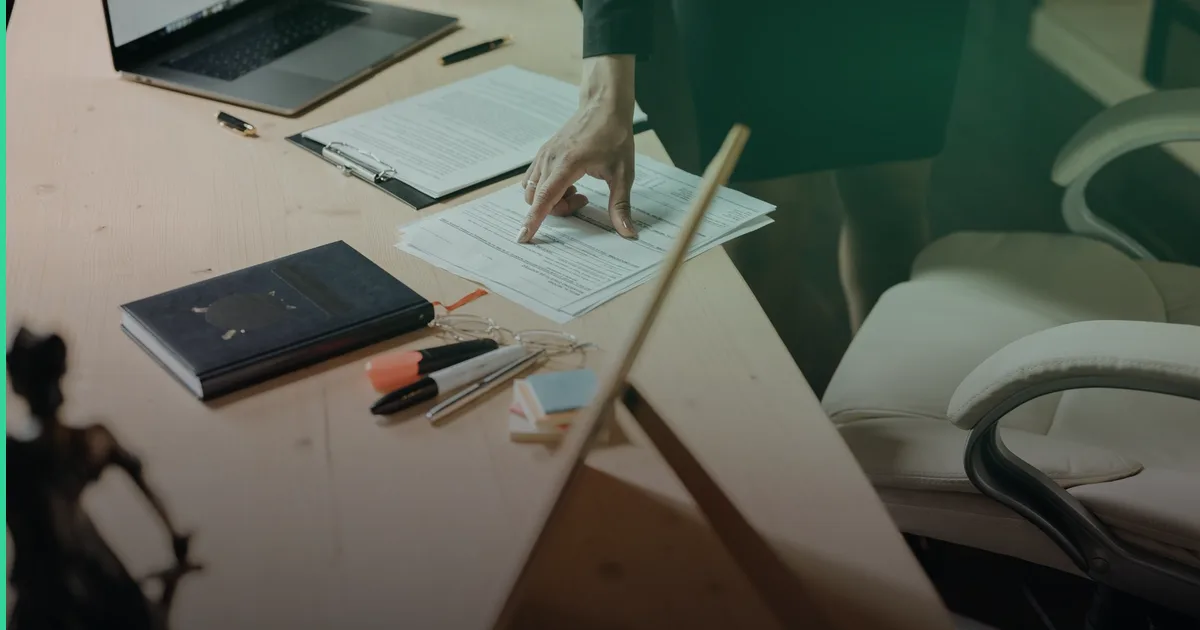
Every Uzbek SMB owner knows the pattern: an order comes in on Telegram, someone writes it down, someone else opens 1C to raise an invoice by hand, and the accountant reconciles it all at month-end from screenshots and paper receipts. Invoicing accounting automation 1C is the search that shows up once a business owner realizes this manual chain is costing more in errors and late payments than any software would ever cost to fix.
The fix isn’t ripping out 1C — it’s the system Uzbek accountants already trust for tax reporting and salary calculations. The fix is connecting 1C to the tools your team actually uses every day: Telegram, your CRM, and your payment gateways, so invoices, payments, and postings move automatically instead of by hand.
Why 1C stays at the centre even as you automate
1C:Buxgalteriya (and 1C:Enterprise for larger firms) remains the backbone of Uzbek accounting because it speaks the local tax language: soliq hisobotlari, statistical reporting, and salary calculations that match national rules. Replacing it wholesale is rarely the right call for an SMB. The real win comes from wrapping automation around it — a layer that feeds 1C clean data and pulls reports back out, instead of a human retyping numbers twice a day.
This is the same logic covered in our guide on 1C integration with CRM and Telegram for Uzbek companies — 1C as the accounting engine, automation as the plumbing around it.
Where the manual work actually happens
Before automating anything, map the real flow. In a typical Tashkent trading or services company, the chain looks like this:
- Order or service request arrives — usually via Telegram or a CRM lead.
- Someone manually creates an invoice (schyot-faktura) in 1C.
- Payment arrives via Payme, Click, or bank transfer — often confirmed by a screenshot sent in Telegram.
- Accountant matches payment to invoice, sometimes days later.
- Reports get compiled manually at month-end for management and tax filing.
Each handoff between steps 1–4 is where data gets retyped, delayed, or lost. That’s the automation target — not “replace 1C,” but “remove the retyping.”
Automating invoice creation
A Telegram bot or CRM webhook can trigger invoice creation in 1C automatically the moment a deal is marked “won” in amoCRM or Bitrix24. The client, item list, and amount flow straight into 1C via its API/exchange format, and the invoice — in so’m — is generated without anyone opening 1C manually. For a sales team of five, this alone typically removes a few hours of admin work every day.
Automating payment reconciliation
Payme, Click, and Uzum Bank all expose APIs or webhook callbacks. Libraries like PayTechUZ unify these so a single integration layer can listen for a payment, match it to the open invoice by amount and reference, and post the payment status back into 1C — no screenshot, no manual matching. This is the step that most directly protects cash flow: overdue invoices get flagged automatically instead of surfacing at month-end.
Automating reporting
Once invoices and payments live cleanly inside 1C, a simple export or API pull can push daily/weekly summaries into a dashboard or even a Telegram channel for the owner — turnover, outstanding invoices, top clients. For a deeper look at that layer, see automated reporting and dashboards from Google Sheets to AI.
What it costs in so’m
| Automation scope | Typical price band (so’m) | What you get |
|---|---|---|
| Telegram bot for order intake + notifications | 500 000 – 1 500 000 | Orders logged, staff notified, no payment logic |
| Order + payment bot (Payme/Click/Uzum) | 1 500 000 – 5 000 000 | Orders, payment confirmation, basic invoice trigger |
| Full 1C ↔ CRM ↔ payment integration | 5 000 000+ | Invoice auto-creation, reconciliation, reporting sync |
| Ongoing support/maintenance | from ~$50/mo | Bug fixes, API updates, small tweaks |
These are ranges, not fixed quotes — actual cost depends on how many 1C document types and payment gateways are involved. A focused rollout is typically weeks, not months.
A realistic rollout checklist
- Map your current invoice-to-payment flow end to end, including every manual handoff
- Pick one payment gateway (usually Payme or Click) to integrate first
- Connect your CRM (amoCRM or Bitrix24) to 1C for invoice auto-creation
- Add payment webhook matching to close the reconciliation gap
- Push a simple daily summary to a Telegram channel for the owner/manager
- Review after 30 days and expand to the next document type (acts, waybills, etc.)
In a project shaped like this, Tashkent retailers and service businesses typically report that automation removes a large share — often cited around 80% — of the routine manual work in this chain, freeing the accountant to actually review numbers instead of typing them.
Where this fits with the rest of your back office
Invoicing and accounting rarely sit in isolation. If contracts and closing documents are also handled by hand, pairing this with automated document and contract workflows closes the loop from signed contract to paid invoice. And if the bottleneck is really about people, not paperwork, our piece on HR and recruiting automation covers the other half of back-office friction. For the full picture of where to start, see back office automation for Uzbek companies: where to start.
Frequently Asked Questions
Does automating 1C mean replacing our accountant? No. The goal is to remove data entry and reconciliation, not judgment. Accountants still review, approve, and file — they just stop retyping the same numbers three times.
Can this work with both Uzbek and Russian-speaking staff? Yes. Telegram bots and CRM notifications can be configured to serve each user in their preferred language, which matters for mixed teams in Tashkent and Samarqand.
Do we need to migrate off 1C to automate? Almost never for an SMB. 1C’s exchange formats and API make it possible to integrate without touching your existing tax and salary setup.
How long does a first integration take? A focused scope — one CRM, one payment gateway, invoice auto-creation — is typically a few weeks, not a multi-month ERP project.
If your invoicing and reconciliation still run through screenshots and manual retyping, it’s worth a short conversation about what a focused 1C integration would look like for your setup. Fera Tech builds this kind of automation as part of our broader services, alongside examples in our work. Get in touch to talk through your specific flow.
Building something like this?
Fera Tech ships iOS & full-stack apps end-to-end. Tell us about your project.
Start a project