How to Connect Payme, Click, and Uzum to Your Telegram Bot
A practical guide to Payme Click Uzum Telegram bot payment integration, with real price bands, gotchas, and a working architecture.

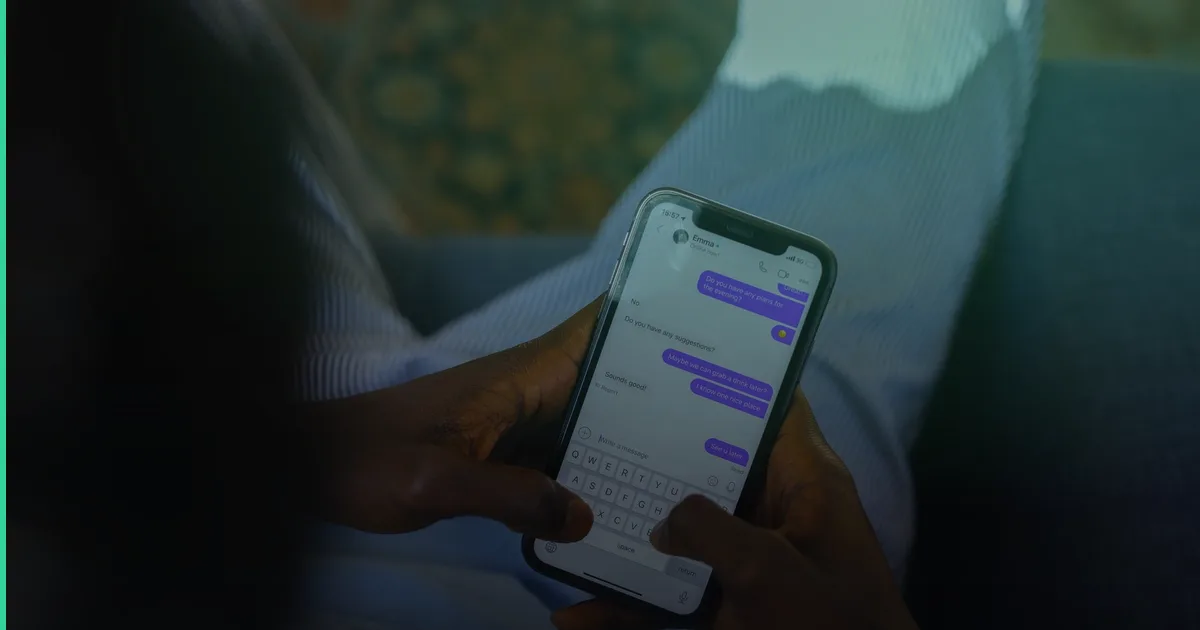
If you already have a Telegram bot taking orders in Tashkent or Samarkand, the next question is almost always the same: how do customers actually pay inside the chat, without bouncing to another app? Getting Payme Click Uzum Telegram bot payment integration right is the difference between a bot that just collects orders and one that closes the sale on the spot.
This guide walks through how the three major Uzbek payment systems plug into a Telegram bot, what each one requires from you technically, and what it realistically costs to build and maintain.
Why payment-in-chat matters more in Uzbekistan than elsewhere
Telegram isn’t a nice-to-have channel here — with roughly 27 million users, it covers around 76% of the country’s internet population and about 95% reach across active online audiences. For food delivery, retail, and service businesses, the bot often is the storefront. Customers who have to leave the chat to open a banking app, type a card number, and come back frequently abandon the order. Keeping payment inside Telegram, or in a one-tap redirect back to it, measurably protects conversion — this is one reason Telegram bots are reported to drive 40%+ of monthly turnover for many Tashkent-based food-delivery and online-store operators.
The three payment systems you need to support
Payme
Payme is the most widely used payment system in Uzbekistan, with 10M+ users. Integration is typically via their Merchant API (Payme Business), where your backend creates an invoice, gets a payment URL or button, and receives a webhook (callback) once the transaction is confirmed. Most bots present this as an inline “Pay with Payme” button that opens a WebApp or external link.
Click
Click is the second-most-popular system and works on a similar model: your server registers a transaction, Click handles the checkout screen, and your backend listens for a “prepare” and “complete” webhook pair to confirm the payment before marking an order as paid. Click is a common second option to offer alongside Payme, since preferences split by age group and bank relationships.
Uzum Bank
Uzum Bank (via Uzum Business/Uzum Bank payments) has grown quickly and is increasingly requested by customers who use the Uzum ecosystem for shopping and banking. It’s usually the third payment button, added once a business has validated demand with Payme and Click first.
A note on cards and other rails
UzCard and Humo remain the underlying card networks behind most of these systems, so you rarely integrate them directly — Payme, Click, and Uzum abstract that away. Some businesses also use Paynet or Kapitalbank gateways for edge cases like offline top-ups or corporate invoicing, but for a Telegram commerce bot, Payme + Click + Uzum covers the overwhelming majority of customers.
How the integration actually works, step by step
- Register as a merchant with each payment provider (Payme Business, Click Merchant Cabinet, Uzum Business) — this takes a few business days per provider and requires a registered legal entity.
- Set up a backend endpoint that creates an order/invoice and returns a payment link or button payload.
- Configure a public webhook URL per provider (HTTPS, verified) to receive payment confirmation callbacks.
- Store transaction state (pending, paid, failed, cancelled) tied to the Telegram user and order ID.
- Handle Telegram-side UX: inline keyboard button, WebApp checkout, or deep link back into the chat after payment.
- Add retry/timeout handling — payment webhooks occasionally arrive late or duplicate; your backend must be idempotent.
- Test with each provider’s sandbox before going live, then test again with small real transactions.
Many teams use a unifying library such as PayTechUZ, which wraps Payme, Click, and Uzum APIs into one interface, so your bot’s backend doesn’t need three separate integration logics maintained in parallel. This is often the fastest way to launch and the easiest to maintain long-term.
What this typically costs
| Scope | Typical price range (so’m) | Timeline |
|---|---|---|
| Simple Telegram bot (no payments) | 500 000 – 1 500 000 | 1–2 weeks |
| Ordering + payment bot (1–3 gateways) | 1 500 000 – 5 000 000 | 2–4 weeks |
| CRM-connected / AI-agent bot with payments | 5 000 000+ | 4–8 weeks |
| Ongoing support & maintenance | from ~$50/month | ongoing |
These are ranges, not fixed quotes — final cost depends on how many gateways you need, whether you want a CRM like amoCRM or Bitrix24 wired in, and whether the bot needs an AI layer for customer questions. Treat these as planning numbers, not guarantees.
Common mistakes businesses make
A frequent pattern: a business integrates only Payme first, assuming it covers “everyone,” then loses Click-preferring customers who simply leave without saying why. In a project shaped like this, adding a second gateway a few weeks later often recovers a noticeable share of otherwise-lost checkouts. Another common issue is not handling webhook idempotency — a customer gets charged once but the bot logs it twice, corrupting order history. Building this correctly the first time avoids costly rework later.
If you’re still deciding whether a bot makes sense at all before adding payments, our complete guide to Telegram bots for business in Uzbekistan covers the fundamentals, and our breakdown of what a Telegram bot costs in Uzbekistan in 2026 goes deeper into pricing variables.
Should you add an AI layer too?
Once payments are flowing, many businesses layer in AI to handle customer questions in Uzbek and Russian, recommend products, or recover abandoned carts — see our guide on AI-powered Telegram bots and giving your bot a real brain for how that typically works. If you’re also comparing a bot against a traditional website for your business model, Telegram bot vs. website: which does your business need is worth reading first. And for a broader accepting-payments overview beyond just Telegram, see our guide to accepting online payments in Uzbekistan with Payme, Click, and Uzum.
Frequently Asked Questions
Do I need to integrate all three payment systems at once? No. Most businesses start with Payme alone or Payme + Click, then add Uzum once they see demand. Adding a gateway later is straightforward if the backend was built with a provider-agnostic structure from the start.
Can payments happen fully inside Telegram, without opening a browser? Partially. Telegram WebApps let you build a checkout screen that renders inside the app, but the final payment confirmation still routes through the provider’s secure page or SMS/PIN step, which is standard for all three systems.
How long does merchant approval take with Payme, Click, or Uzum? Typically a few business days per provider once your legal entity documents are submitted, though it can vary by provider workload and completeness of your application.
What happens if a webhook fails or arrives twice? Your backend needs to be idempotent — checking whether an order is already marked paid before processing a callback again. This is one of the most common bugs in home-grown integrations.
Get it built properly
Payment integration is the part of a Telegram bot where small mistakes get expensive — double charges, missed webhooks, or a gateway that quietly stops confirming orders. Fera Tech builds and maintains ordering and payment bots across Payme, Click, and Uzum as part of our full-stack and integration work, alongside CRM connections and AI layers when clients need them. Take a look at recent work, then get in touch to talk through what your bot actually needs.
Building something like this?
Fera Tech ships iOS & full-stack apps end-to-end. Tell us about your project.
Start a project